Features
Built around how ML engineers actually pick data and models.
Every surface below is a real page in the running product. The screenshots are captured live from the same routes you'll use after you open the app.
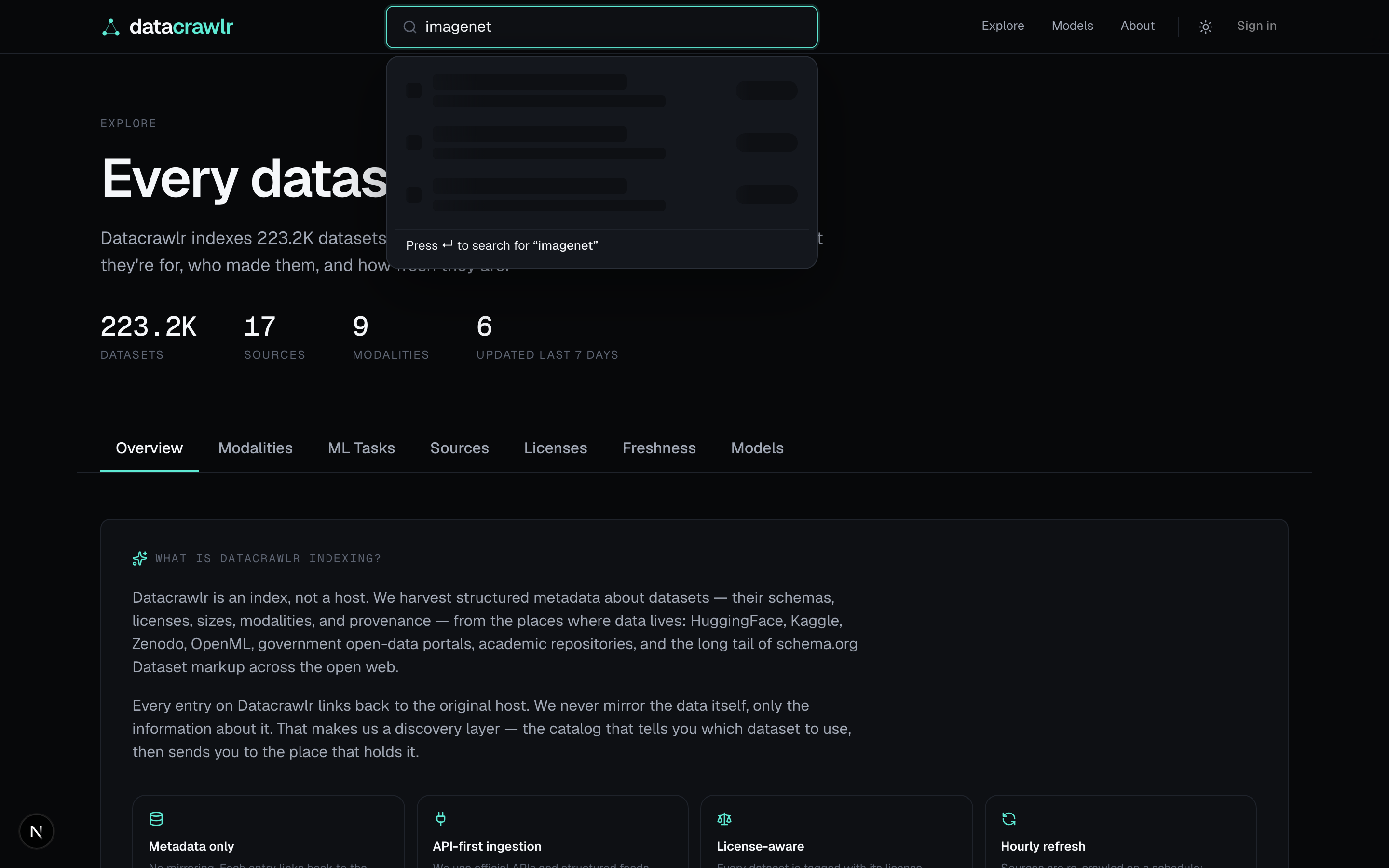
Live type-ahead
Search starts the moment you type.
Two characters in, the dropdown shows the closest dataset and model matches with a one-line description and an entity-type chip. Hit enter to expand into the full search page; pick a row to jump straight into the detail view.
- Two-section dropdown (Datasets · Models), four results each.
- Cross-search with vector embeddings under the hood.
- Keyboard-first — arrow keys traverse the entire list.
datacrawlr.com
Search results
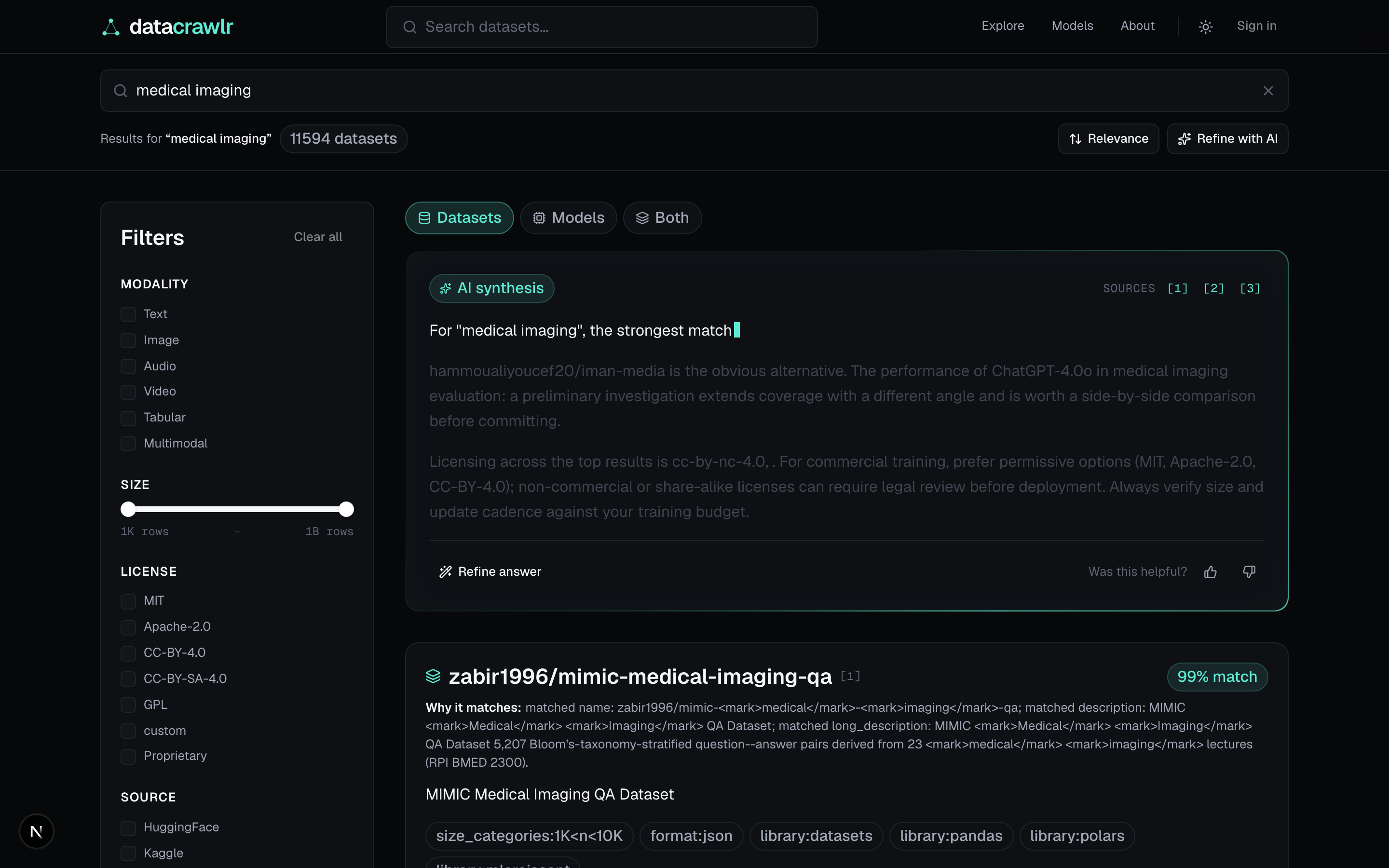
An AI summary before the result list.
Every search renders an AI synthesis card explaining what the matches share, where they differ, and which to start with. Citations link back to the underlying datasets so you can verify the recommendation.
- Synthesis card streams in alongside the result grid.
- Sort by relevance, newest, most-cited, smallest, or largest.
- Server-prefetched initial page; filters refetch client-side.
datacrawlr.com/search?q=medical+imaging
Dataset detail
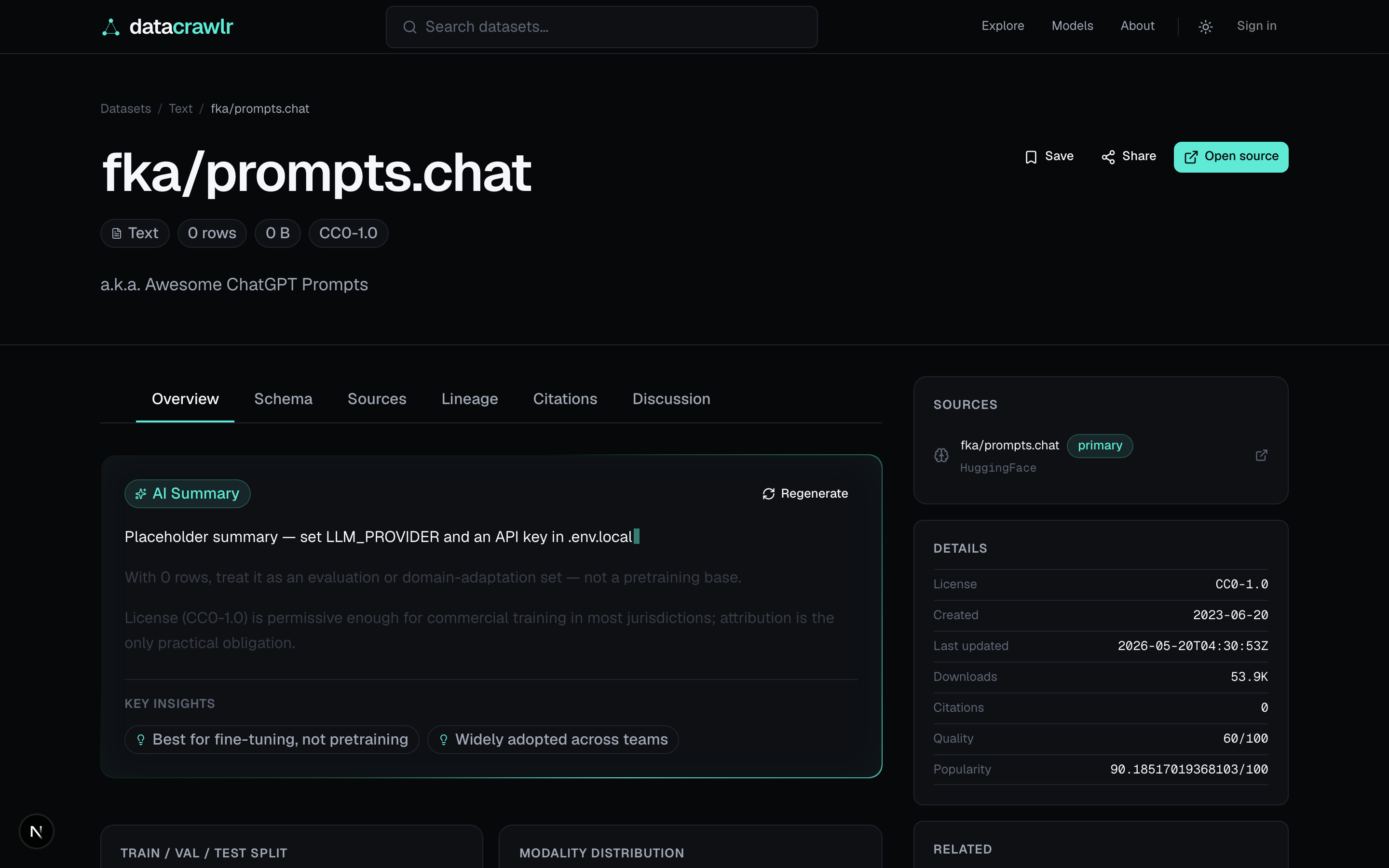
Everything you need before you commit.
Schema, license intelligence, source attribution, citations, related datasets — and the models that have been trained on it. The right rail keeps comparison, save, and recent-history within one click.
- Six tabs: Overview · Schema · Sources · Lineage · Citations · Discussion.
- License risk pill and use-grid (commercial / attribution / redistribution / modification).
- AI summary with insight chips highlighting tradeoffs.
datacrawlr.com/datasets/<slug>
Models directory
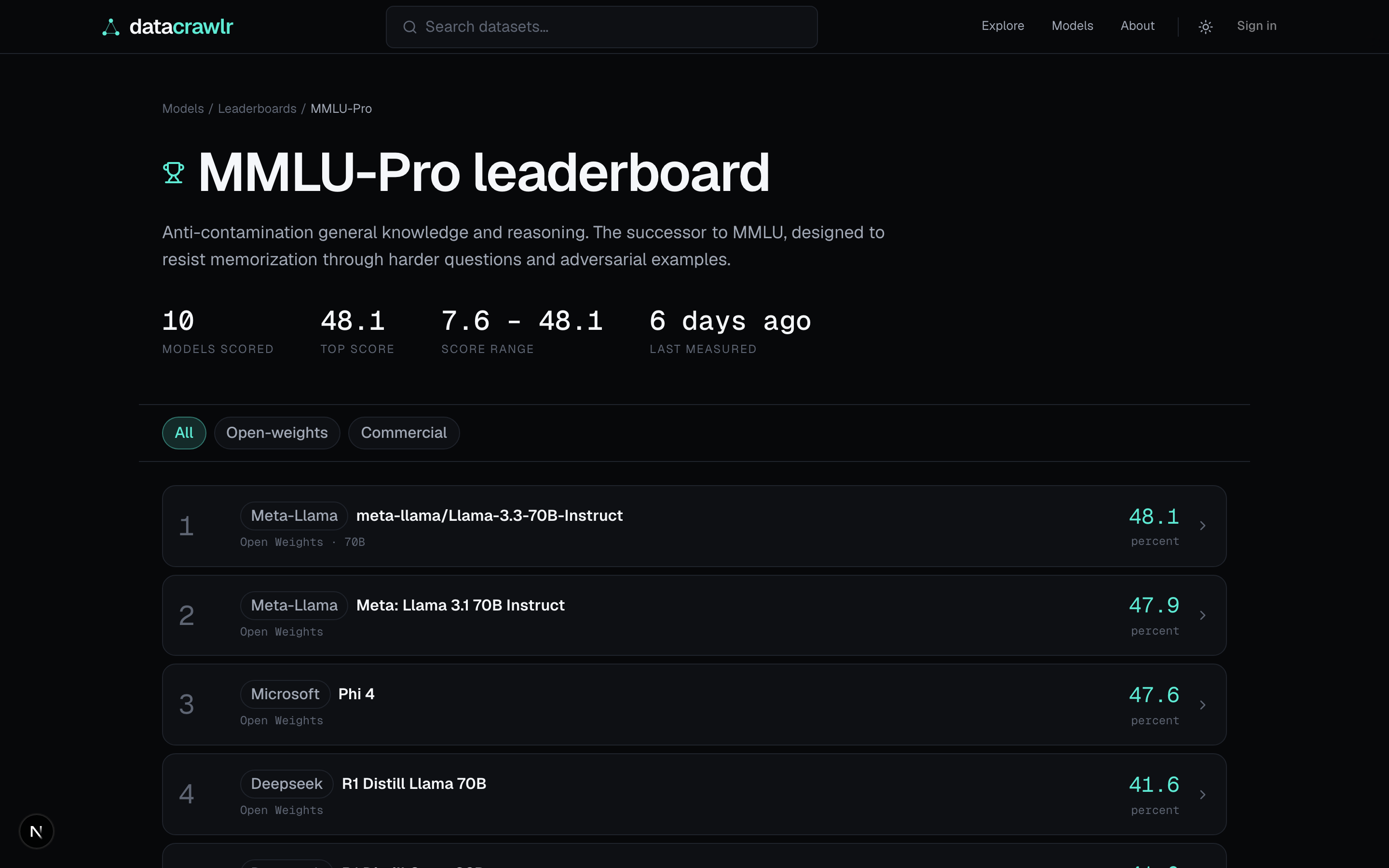
Frontier and long-tail in one view.
Every open-weights and commercial model worth knowing about, with normalized benchmark scores. Sort by composite score, parameters, newest, popularity, cheapest, or largest context. Eight quick-filter chips for the common slices.
- Twelve benchmarks tracked: MMLU-Pro, GPQA, HumanEval, MATH, IFEval, MuSR, BFCL, Arena ELO, AIME, SWE-Bench Verified, LiveCodeBench, legacy MMLU.
- Composite score weighted across the core six.
- Filter strip syncs to URL params for shareable views.
datacrawlr.com/models/leaderboard/mmlu-pro
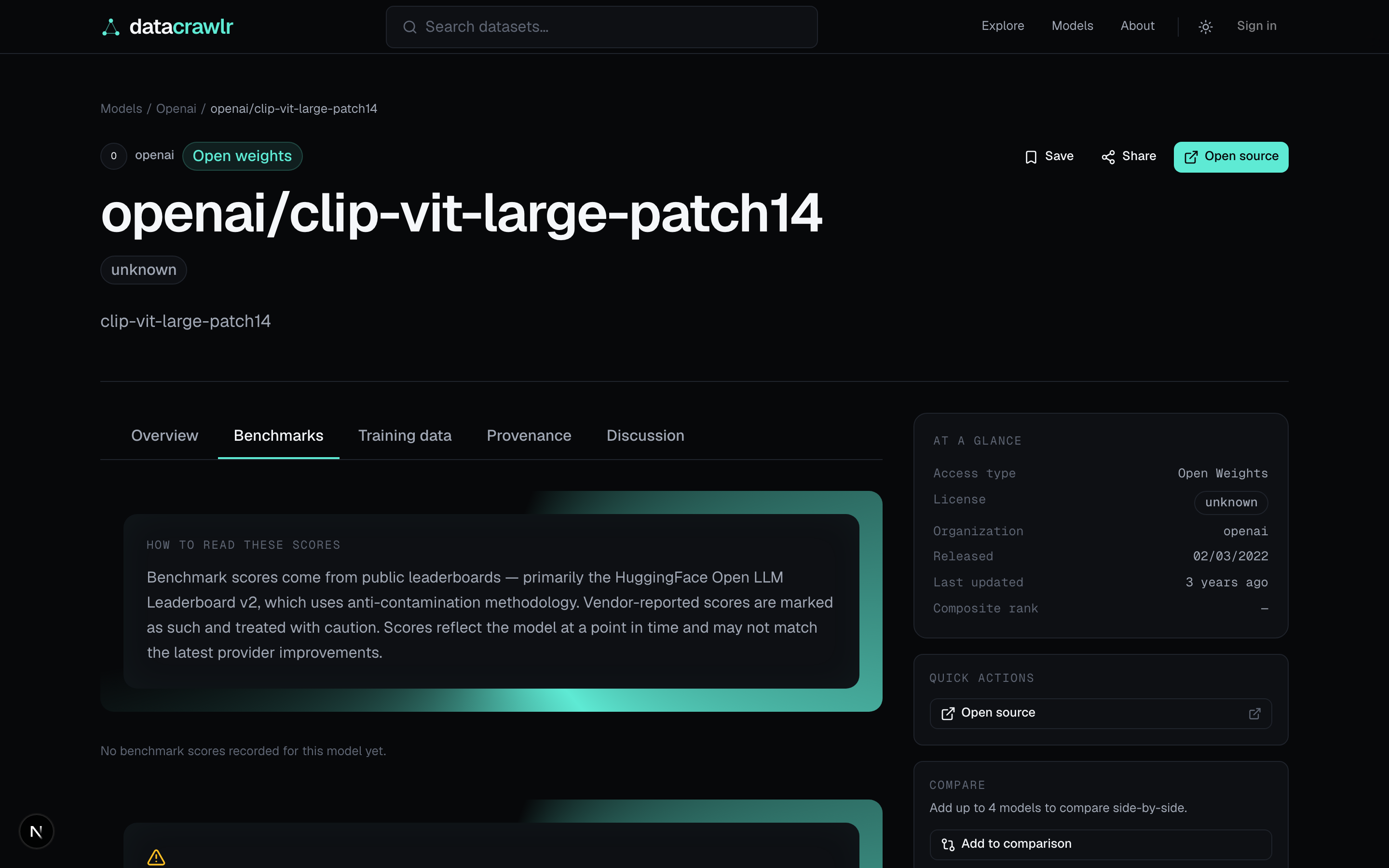
Model detail
Benchmarks, pricing, and provenance side by side.
The Benchmarks tab shows raw scores against the top of the catalog plus a composite-contribution bar. Pricing surfaces per-token input/output cost with a cost calculator that compares to the three cheapest commercial alternatives. Training data, license risk, and creator credentials all live in one page.
- Six tabs: Overview · Benchmarks · Pricing · Training data · Provenance · Discussion.
- License risk pill with low/medium/high signal.
- Interactive cost calculator with 3-model comparison row.
datacrawlr.com/models/<slug>
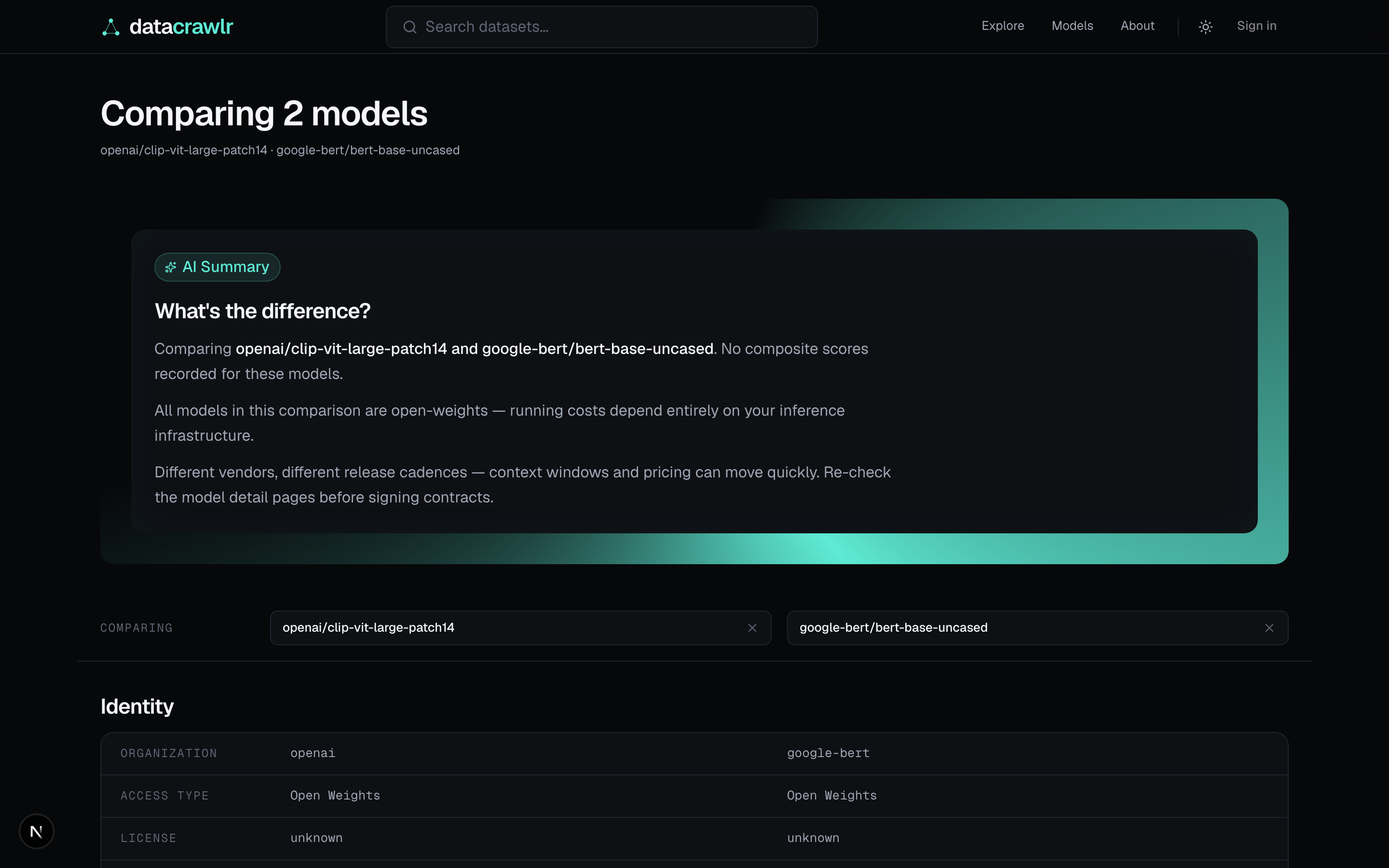
Side-by-side comparison
Up to four models, every dimension.
Add models to the comparison tray from the directory or any detail page. The compare view stacks Identity · Architecture · Benchmarks · Pricing · Provenance — with the winning value in each row highlighted by a left-border accent.
- Cheapest output cost wins the pricing row.
- Highest score wins each benchmark row, with per-cell mini bars.
- AI insight card up top summarizes what's actually different.
datacrawlr.com/models/compare?ids=<a>,<b>
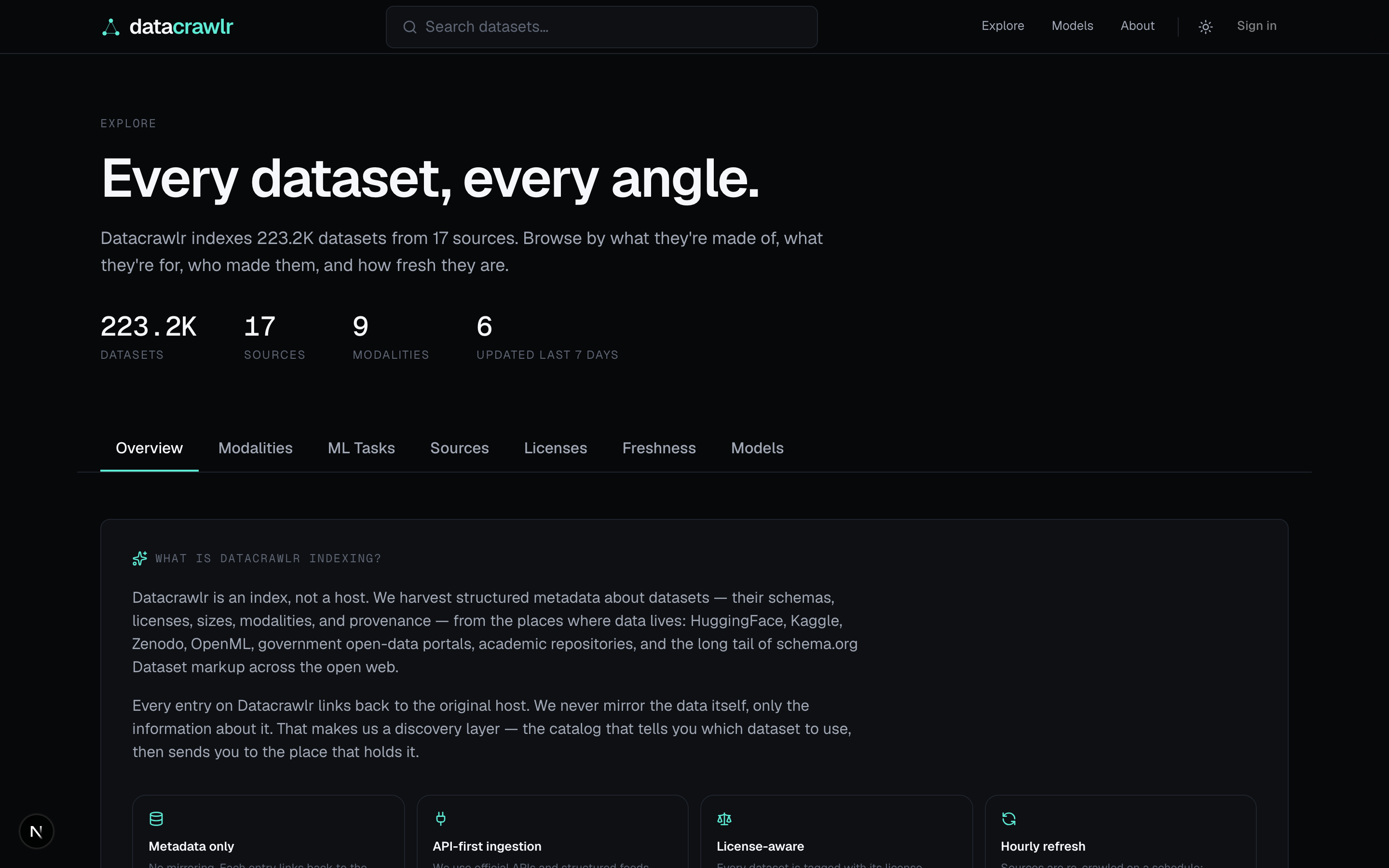
Explore dashboard
Slice the catalog by what you care about.
Seven tabs: Overview · Modalities · ML Tasks · Sources · Licenses · Freshness · Models. Each tab pairs a chart (donut, horizontal bars, or timeline) with the underlying entity rails so you go from chart to page in one click.
- Live counts from the indexed catalog — no invented numbers.
- Per-source health: status pill, last refresh, sample slugs.
- Freshness timeline over the last 24 months of updates.
datacrawlr.com/explore
Eight surfaces, one codebase.
Explore the codebase on GitHub to see how everything fits together.